















































Camera
Webcam
Microphone
Wireless Microphone
Capture Card
Audio Mixer
Lighting & Backdrop
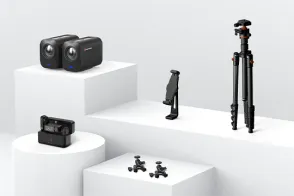
Accessories

Streaming has surged in popularity, transforming how audiences consume content. In 2026, the global live streaming market was valued at $87.55 billion and is expected to grow at a CAGR of 23.0% from 2024 to 2030. As platforms like YouTube Live, Twitch, and Instagram Live continue to dominate, live streaming has become an essential tool for audience engagement. Viewers crave real-time interaction, making audio quality a critical factor in holding their attention.
If you're looking to elevate your streaming setup in 2026, investing in one of the best microphones for streaming is a game-changer. Whether you're a gamer, content creator, or professional broadcaster, a good streaming microphone ensures your audience gets the best audio experience possible. Even if you're using a laptop or webcam with a built-in mic, a dedicated streaming mic will always offer superior sound clarity.
The market is flooded with a variety of microphones, each boasting unique features. To help you make an informed decision, I've compiled this ultimate guide based on extensive hands-on testing and research. This list considers crucial factors such as price, performance, compatibility, and value for money. Additionally, I've included options that cater to different streaming needs—whether you're into gaming, podcasting, or professional music streaming.
Audio Streaming is Rising: The music and podcasting industries rely heavily on streaming platforms. With over 700 million audio streaming subscribers and podcast listenership projected to exceed 650 million by 2027, clear, high-quality audio is essential for engagement.
Audience Engagement: Crystal-clear sound keeps viewers engaged and enhances overall interaction.
Impact of Poor Audio: Muffled or distorted sound can drive away audiences and reduce credibility.
Professionalism: the best microphone for streaming enhances credibility and establishes a professional presence.
Sound Quality: Opt for a microphone with clear, professional-grade audio.
Microphone Type: Choose between USB (plug-and-play convenience) and XLR (for high-end professional setups).
Durability: Look for solid build quality, especially if you move your setup frequently.
Budget: Consider your budget, as options range from affordable to premium.
Extra Features: Features like noise canceling, gain control, and real-time monitoring enhance performance.
Connectivity: USB are easy to use, while XLR require an audio interface but offer superior sound quality.
Broadcast-quality sound with a four-capsule condenser array for clear, crisp audio.
Multiple pickup patterns (cardioid, omnidirectional, bidirectional, and stereo) for versatile recording needs.
Advanced LED metering to visualize and adjust voice levels quickly.
Built-in gain control, mute button, and zero-latency headphone output for complete audio control.
USB plug-and-play design, compatible with Windows and Mac.
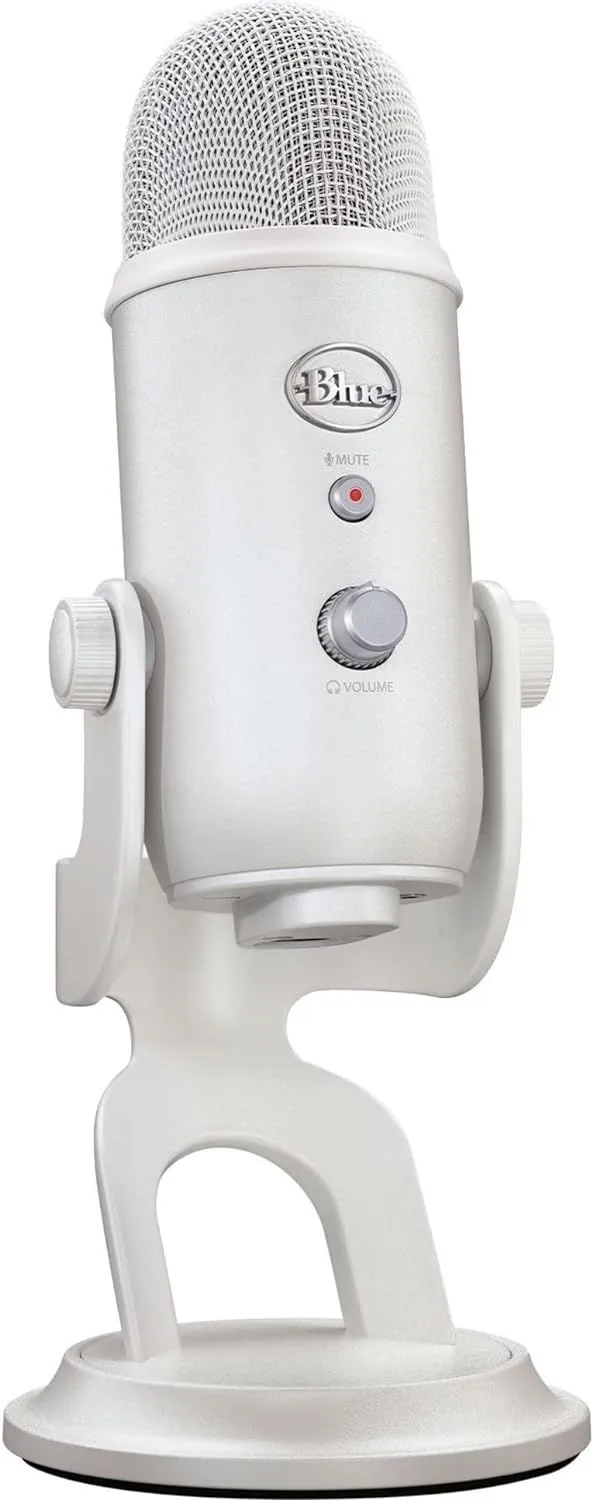
Condenser microphone for streaming with a cardioid pattern for focused voice capture and minimal background noise.
USB output for direct digital recording, ensuring easy setup and clear sound.
Built-in high-output headphone amplifier for real-time monitoring with exceptional clarity.
Wide frequency response (20Hz–20kHz) for professional-level audio reproduction.
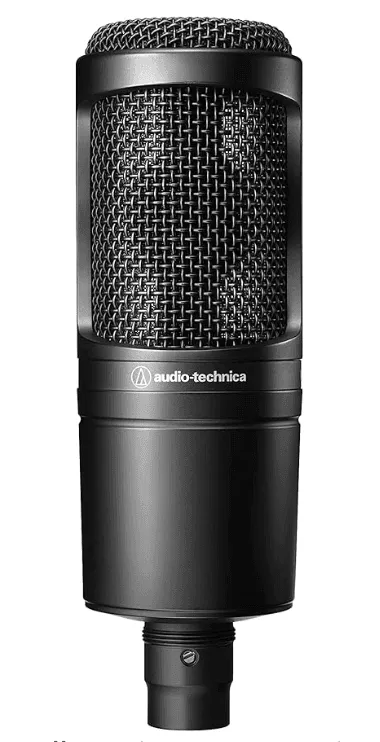
High-resolution 24-bit/96kHz audio capture for studio-quality recording.
Two selectable pickup patterns (cardioid and omnidirectional) for adaptable sound capture.
Compact, durable build designed for both desktop and portable setups.
Plug-and-play compatibility with Windows, Mac, iOS, and Android devices.
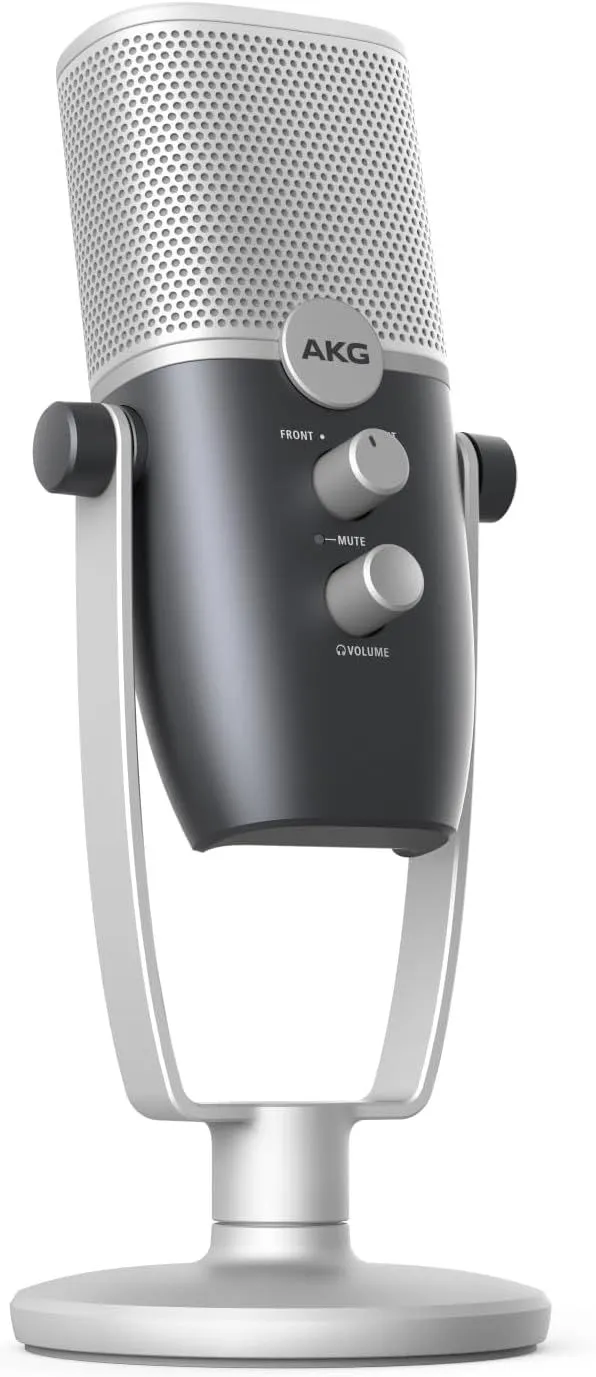
Dynamic RGB lighting with customizable effects for a stylish aesthetic.
Built-in anti-vibration shock mount to reduce unwanted noise.
Four selectable polar patterns (cardioid, omnidirectional, stereo, and bidirectional) for versatile recording applications.
USB-C connectivity for fast, stable data transfer.
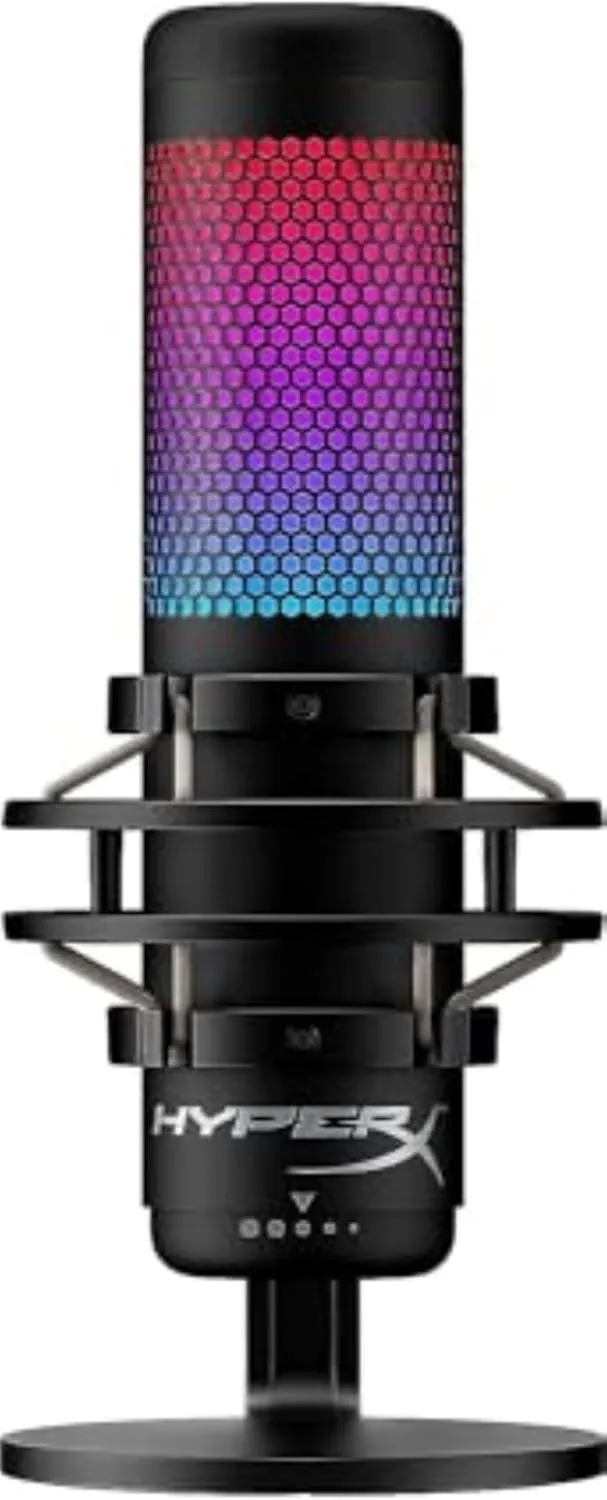
Supercardioid polar pattern for superior background noise rejection and focused voice capture.
USB/XLR hybrid interface, allowing it to function as both a plug-and-play and professional-grade streaming microphone.
AI-powered noise suppression technology for enhanced clarity in live streams and recordings.
Durable metal body construction for long-lasting performance.
The best-budget streaming mic for users who desire an upgrade in the future, catering to people from beginners to experts.
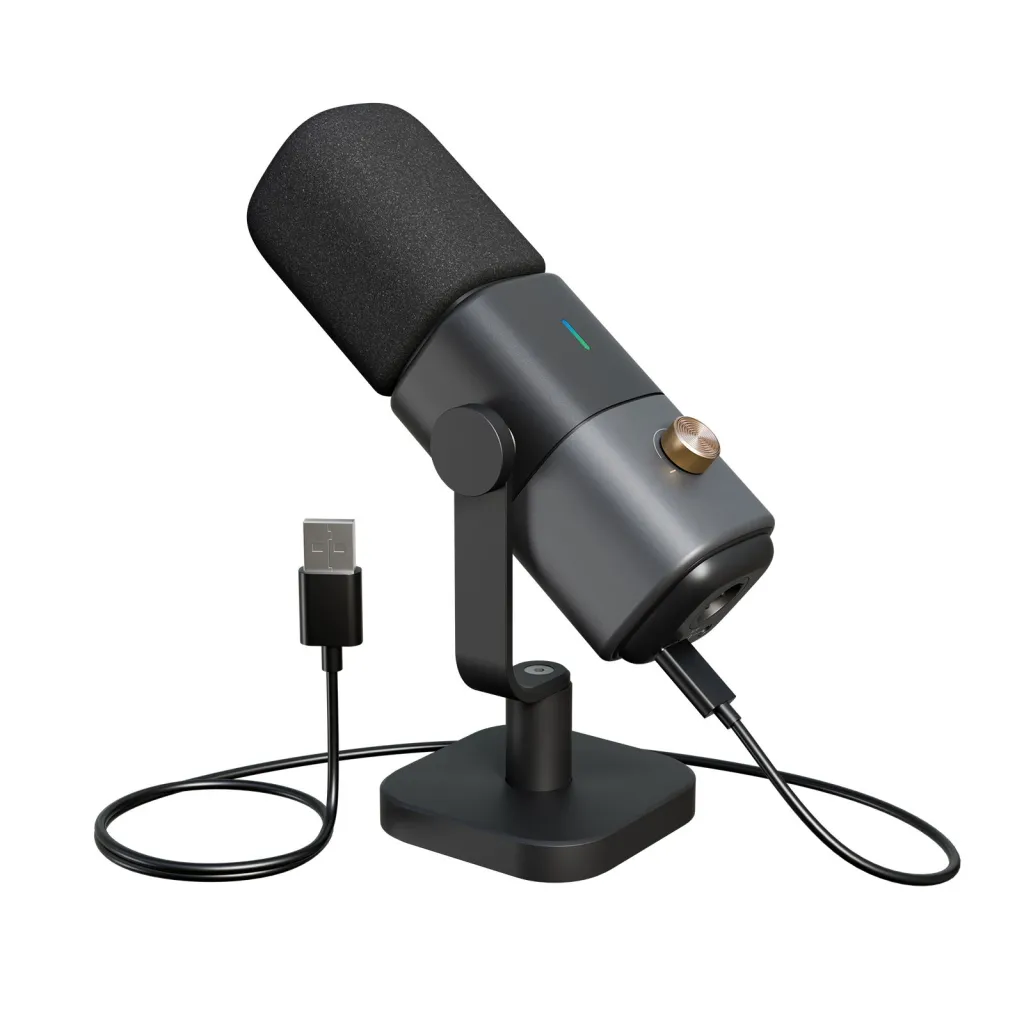
Industry-standard dynamic microphone favored by professional streamers and broadcasters.
Flat, wide-range frequency response for natural, balanced sound reproduction.
Excellent electromagnetic shielding to prevent hum and interference from computer monitors.
Requires an audio interface with phantom power for best performance.
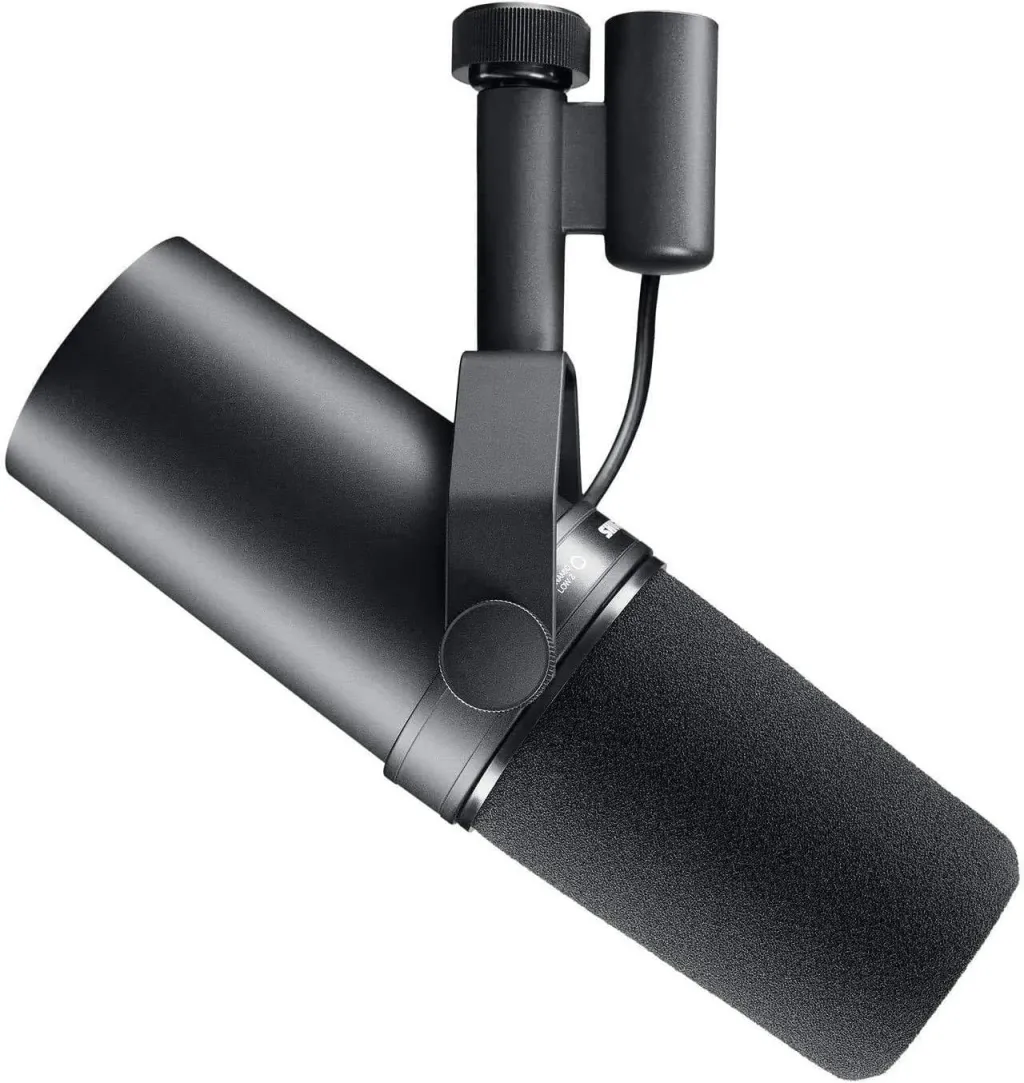
Studio-grade condenser microphone with an ultra-low self-noise level of just 5dBA.
Extended frequency response (20Hz–20kHz) for crystal-clear vocal recordings.
Comes with a shock mount, pop filter, and XLR cable, making it an all-in-one package for professionals.
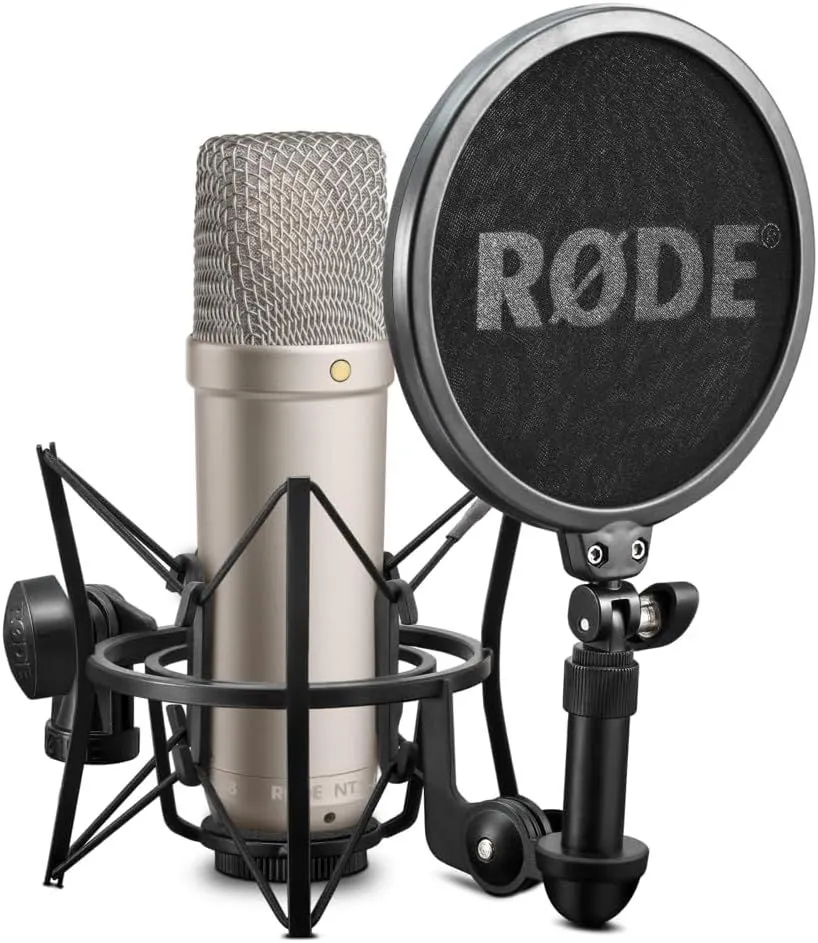
Premium condenser capsule for high-resolution 24-bit sound capture.
USB plug-and-play convenience with built-in DSP processing.
Wave Link software integration for precise audio mixing and control.
Capacitive mute button and adjustable gain dial for quick audio adjustments.
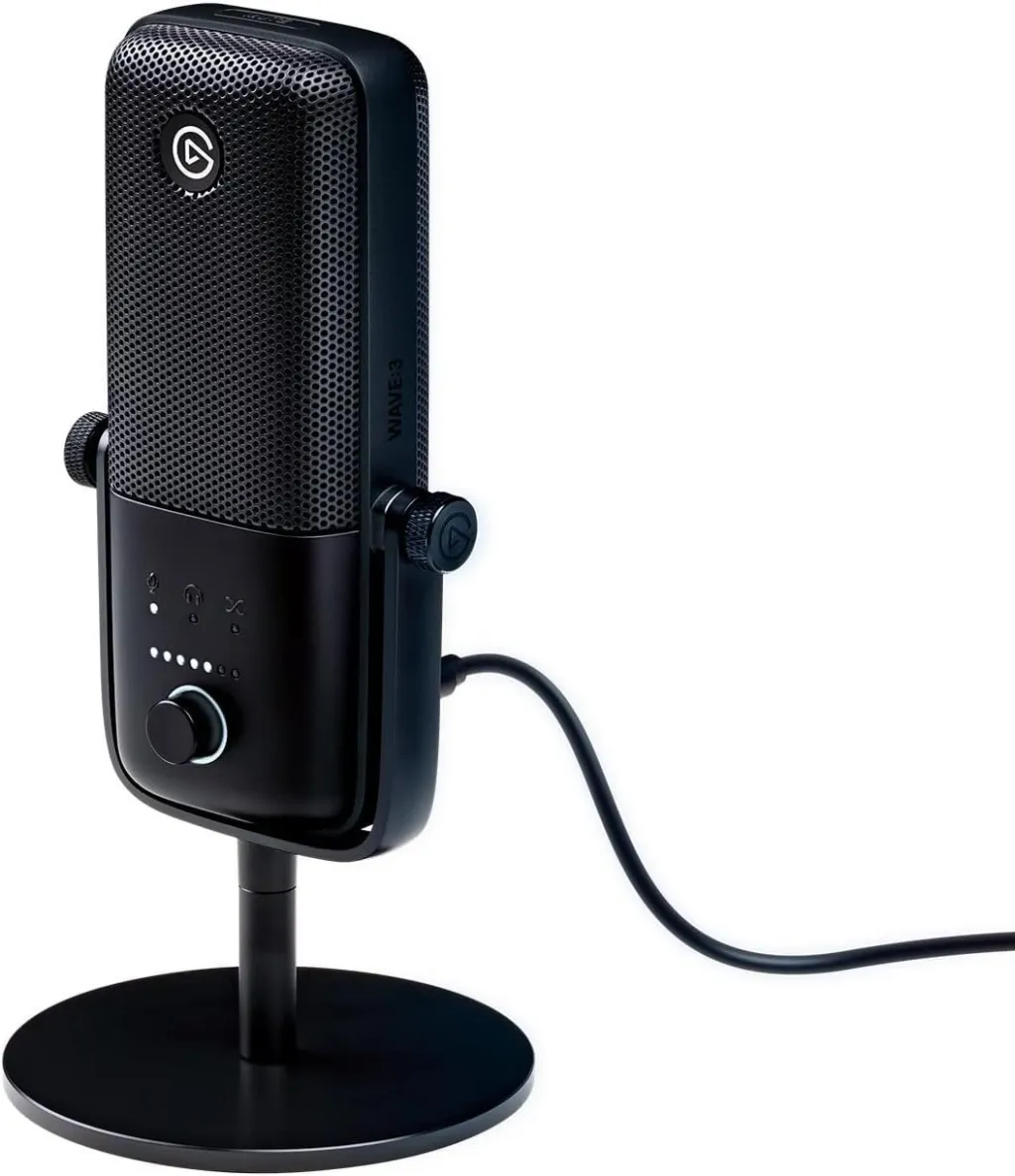
1. Mic Placement: Positioning for Optimal Sound
Keep the streamer mic 6 to 12 inches from your mouth to avoid distortion or weak audio.
Angle it slightly off-center (45°) to reduce plosive sounds.
Use a boom arm or shock mount to minimize vibrations from the desk.
2. Pop Filters and Shock Mounts: Reducing Unwanted Noises
A pop filter prevents harsh "p" and "b" sounds—place it 1-2 inches in front of the microphone.
A shock mount absorbs vibrations from movements, improving audio stability.
3. Gain Control: Adjusting Sensitivity for Clearer Sound
Set gain so your voice peaks between -6dB and -3dB to avoid distortion.
Test and adjust in your streaming software; use noise gates and compression for balance.
4. Room Acoustics: Reducing Echoes and Background Noise
Use carpets, curtains, or foam panels to absorb echoes.
Choose a quiet space away from fans, windows, or other noise sources.
Software like NVIDIA Broadcast or OBS filters can help remove background noise.
By optimizing your mic setup, you'll achieve professional, clear audio that keeps your audience engaged.
A high-quality microphone is just the beginning—choosing the right accessories can significantly enhance your streaming or podcasting experience. Pop filters help reduce plosive sounds, while shock mounts minimize vibrations for cleaner audio. A boom arm allows for precise mic positioning, keeping your desk clutter-free. Additionally, an audio interface or mixer improves sound control and clarity, especially for XLR microphones.
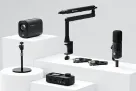
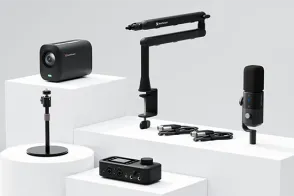
For those looking for a one-stop streaming equipments, NearStream offers a complete sulution tailored for both beginners and professionals. The PodKit Solo Setup includes everything you need to get started: a VM20 4K camera, AM25X streamer mic, ST20 boom arm, AMIX40U audio mixer, XLR cable, and a camera stand—delivering professional-grade 4K video and crystal-clear audio at an affordable price. Whether you're launching a podcast or streaming your gameplay, NearStream provides a seamless, all-in-one setup to elevate your content.
Q1: Should I choose a USB or an XLR microphone for streaming?
A: It depends on your budget, experience level, and setup goals:
Q2: What is a polar pattern, and which one is best for streaming?
A: A polar pattern (or pickup pattern) determines how much signal will be picked up by the microphone from different directions. For streaming and gaming, a Cardioid or Supercardioid pattern is ideal. These patterns focus heavily on capturing sound directly in front of the mic while rejecting distracting background noises, like mechanical keyboard clicks or computer fans.
Q3: How far away should my streaming microphone be from my mouth?
A: The sweet spot for most streaming microphones is 6 to 12 inches away from your mouth.
Q4: My microphone is picking up too much background noise. How can I fix this?
A: You can drastically reduce unwanted background noise using a combination of hardware and software:
Q5: I’m a complete beginner. Is it better to buy parts individually or get a streaming bundle?
A: For beginners, buying an all-in-one bundle is usually the most cost-effective and hassle-free choice because it guarantees component compatibility. An all-inclusive solution like the NearStream PodKit Solo Setup eliminates the guesswork by providing a high-quality 4K camera, a hybrid USB/XLR mic, a boom arm, and a dedicated audio mixer all in one package—giving you a studio-grade setup instantly without the headache of separate troubleshooting.
Choosing the best microphone for streaming depends on your needs, budget, and setup preferences. USB mics offer ease of use, while XLR mics provide superior sound quality for professional streamers. Whether you're a casual gamer or a dedicated content creator, investing in a good streaming mic can significantly enhance your streaming experience and audience engagement.
Ready to upgrade your streaming setup? Pick the microphone that best fits your needs and start delivering professional-quality audio today!

Get exclusive NearStream offers and catch the latest in features, updates, and more.
By signing up, you agree to NearStream's Privacy Policy.










 sales@nearstream.us






